


AI-Powered CMS Management with Webflow and Antigravity


Managing large-scale Webflow projects often means inheriting "messy" legacy data. We definitely must’ve dealt with projects with over 100 CMS items where manual cleanup isn't just a chore, it’s a bottleneck.
In this post, I’ll share 3 instances on how I used Google Antigravity combined with the Webflow MCP (Model Context Protocol) to handle bulk data cleanups and asset mapping in minutes.
The Problem
The biggest hurdle in building advanced functionalities—like Finsweet Filters—is data formatting. Filters require logic, and logic requires consistency.
The legacy data I imported had numerical data as plain text (e.g., "$20 Mn" or "₹10-₹50 Cr"). While this looks fine to a human reader, a filtering system cannot sort, rank, or range-bound these strings. To make these features work, you need literal numbers (e.g., 20000000). Manually opening, editing, and saving 100+ CMS items is a soul-crushing task. This is where the bridge between AI and Webflow becomes essential.
Three Instances of AI-Driven Automation
1. IndigoEdge: Converting Currency Strings to Integers
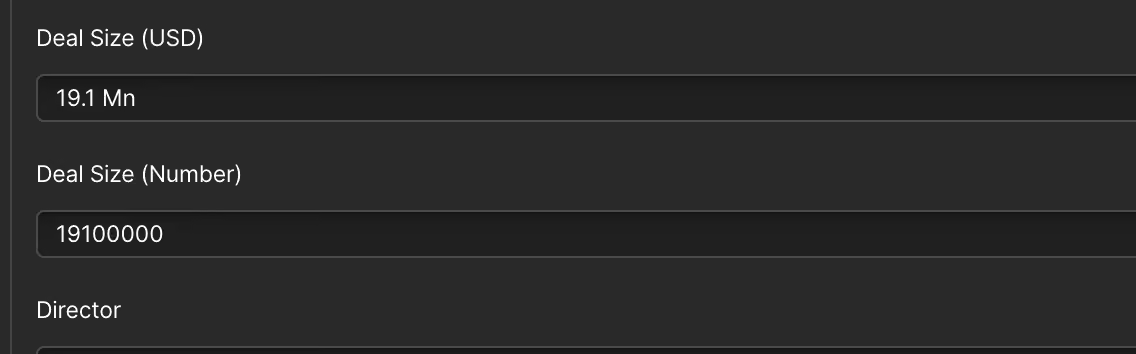
IndigoEdge is an investment bank with a deep portfolio. Their CMS had a "Deal Size" field written in plain text (e.g., "20 Mn"). To implement price range filters, I created a new CMS field: Deal Size (Number).

Instead of manual entry, I used Antigravity connected via the Webflow MCP. By providing the AI with the logic—"If the text says 'Mn', multiply by 1,000,000".
Prompt I’ve given to Antigravity:
For every item in the "Deals" collection: extract the number from Deal(USD) (ignore "Mn", spaces, and case), multiply by 1,000,000, and store the result in Deal(Number) as a plain integer with no formatting. Example: "12.5 Mn" → 12500000. No currency conversion — just expand the million abbreviation into its full numeric value.
The automation then scanned the existing items and populated the new numerical field instantly (for the items over 100).
2. IndianVC: Splitting Ticket Sizes for Range Filters
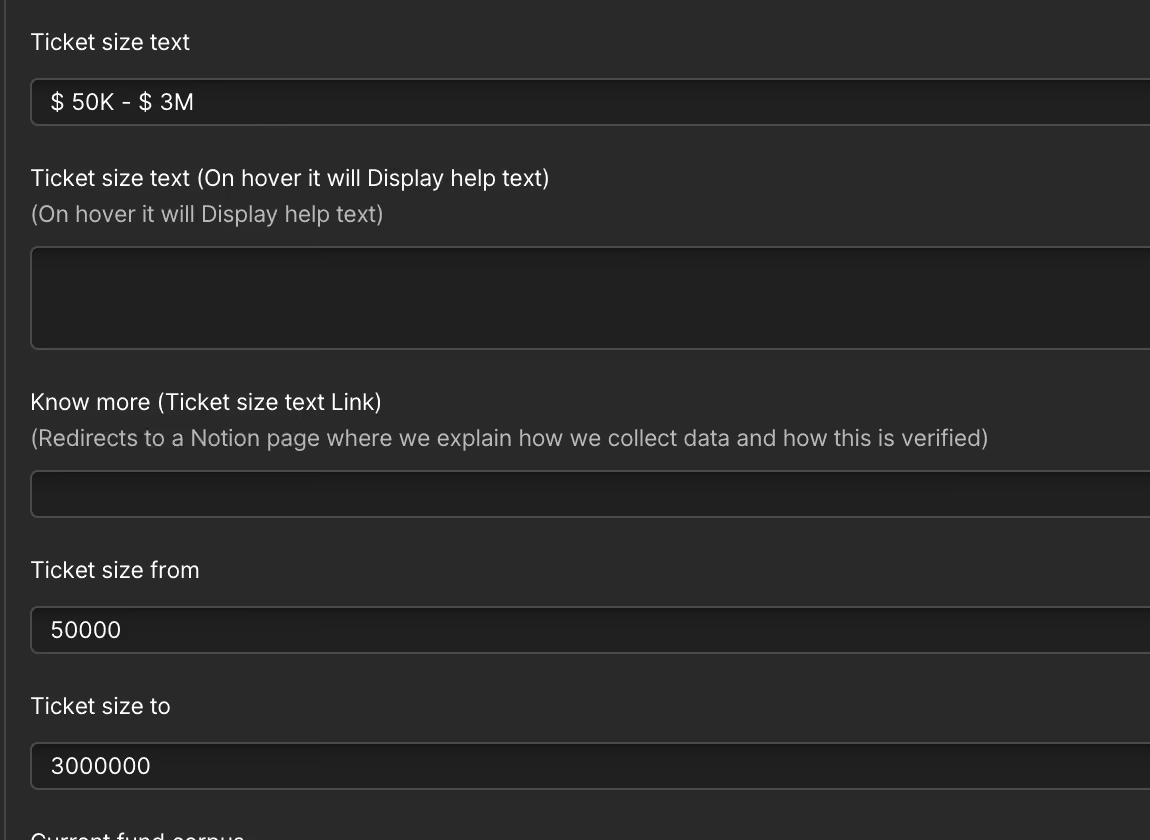
In IndianVC, we faced a similar issue with "Ticket Size." The data was stored in a single text field (e.g., "500k - 2M"). For a functional UI, we needed to split this into two distinct numerical fields: Ticket Size (From) and Ticket Size (To).
Using the Webflow MCP Bridge, I prompted the AI to parse the string, identify the min and max values, and update the respective CMS fields. This turned a complex data-entry task into a simple verification process.
For each item in the "Investors" collection, parse the "Ticket Size" text field (e.g., "500k - 2M") into two values: extract the minimum and maximum numbers, expand abbreviations (k = ×1,000, M = ×1,000,000), and store them as plain integers in "Ticket Size (From)" and "Ticket Size (To)" respectively. Example: "500k - 2M" → From: 500000, To: 2000000. Skip and log any items with unexpected formats.
3. Bulk Asset Mapping & Image Uploads
Beyond text, I’ve used this workflow for bulk-mapping images to CMS items.
- The Workflow: I first create a dedicated folder in the Webflow Assets Panel and rename the image files to match the CMS item names.
- The Automation: Antigravity pulls the direct links from the Assets Panel and pushes them into the correct Image Field in the CMS.
The prompt:
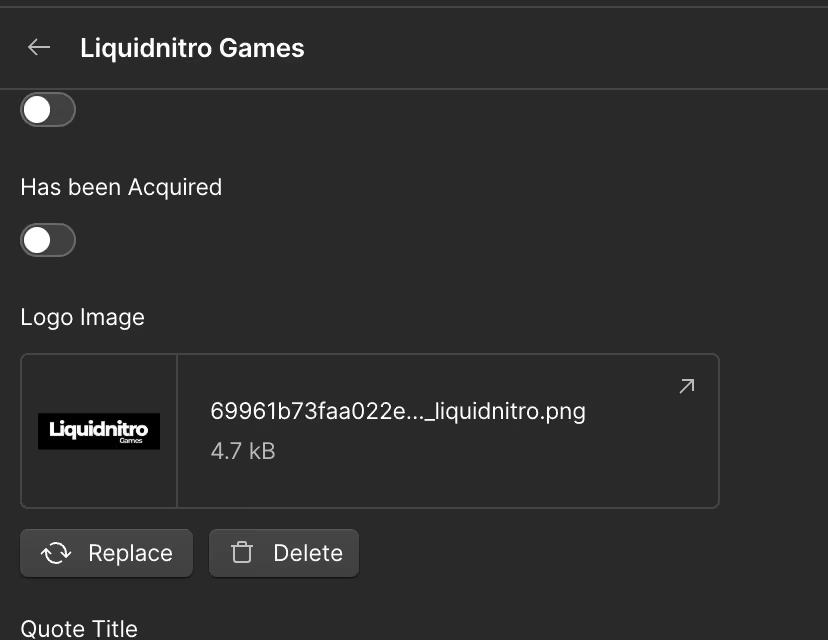
For each image in the "Company Logos" folder (inside "Deals"), match the filename (without extension) to a CMS item name in the "Deals" collection and upload it to that item's "Logo Image" field. Skip and log any unmatched files.
How to Set Up Antigravity
- Connect Antigravity: Follow the configuration steps at antigravity.google/docs/mcp.
- Configure Webflow: Use the official Webflow MCP reference to grab your config data.
- The Bridge: Keep the Webflow MCP Bridge tool open in your Webflow designer. This allows the AI to "see" and "edit" your CMS live as the plan executes.
Conclusion
By combining AI automation with the Webflow MCP Bridge, cleanup stops being a repetitive chore and becomes a structured, scalable workflow. What once required hours of clicking through 100+ entries now happens in a controlled, bulk operation.